HabitGrip vs. Loop Habit Tracker: Which Is Right for You?
Looking for a Loop Habit Tracker alternative? Compare privacy, offline use, scheduling, widgets, tasks, and sync to choose the right fit.
If you are looking for a Loop Habit Tracker alternative, the useful question is not which app wins. It is which one fits the way you want to track. Both are privacy-conscious, work offline, and put your habits ahead of feeds, ads, or social pressure. Their priorities diverge once your routine gets more detailed.
Choose Loop Habit Tracker if you want a free, open-source, Android-only habit tracker with a deliberately simple experience. Choose HabitGrip if you want to combine habits and tasks, use more tracking formats and scheduling options, organize with profiles and tags, pause for vacations, use several widgets, or optionally sync across devices. Neither choice is a compromise on offline tracking.
HabitGrip and Loop at a glance
| Feature | Loop Habit Tracker | HabitGrip |
|---|---|---|
| Availability | Android | Android, with iPhone and iPad planned |
| Pricing | Free, with all features available and no in-app purchases | Free everyday tracking; paid plans add scale and cross-device sync |
| Privacy and offline use | Works offline; Loop says app data stays local and is not sent to developers or third parties | Local-first and usable without an account; optional sync is encrypted in transit |
| Habit formats | Habit tracking with charts, statistics, reminders, and a habit score | Yes/no, numeric, timer, and checklist habits |
| Scheduling | Daily and flexible schedules, such as several times weekly or every other day | Specific days, every N days, ordinal dates, and flexible weekly counts |
| Widgets | Android home-screen widgets | Eight home-screen widgets, including today, streak, heatmap, and momentum views |
| Tasks and organization | Focused on habits | One-off and recurring tasks, multiple profiles, tags, and filters |
| Data portability | Exports CSV spreadsheets or a SQLite database file | Imports Loop's CSV export and exports data and local backups |
| Sync | No Loop-operated online account is required for use | Optional cross-device sync and automatic cloud backups on the relevant plan |
Product details can change. The Loop entries above are based on its official Play listing, privacy policy, and project documentation; HabitGrip entries reflect this site's current product information.
Where Loop Habit Tracker is the better fit
Loop is easy to recommend when you want less software between you and a checkmark. Its official project describes a minimal interface, detailed charts and statistics, reminders, flexible schedules, and Android widgets. It is free software under GPLv3, has no ads, and says all features are available without in-app purchases.
That makes Loop especially appealing if you are on Android, prefer an open-source project, and want a focused habit tracker rather than a broader personal-organization app. Loop also has a habit score that is designed so a few misses after a long streak do not erase all of your progress. If its feature set matches your routine, simplicity is a genuine advantage.
Where HabitGrip is the better fit
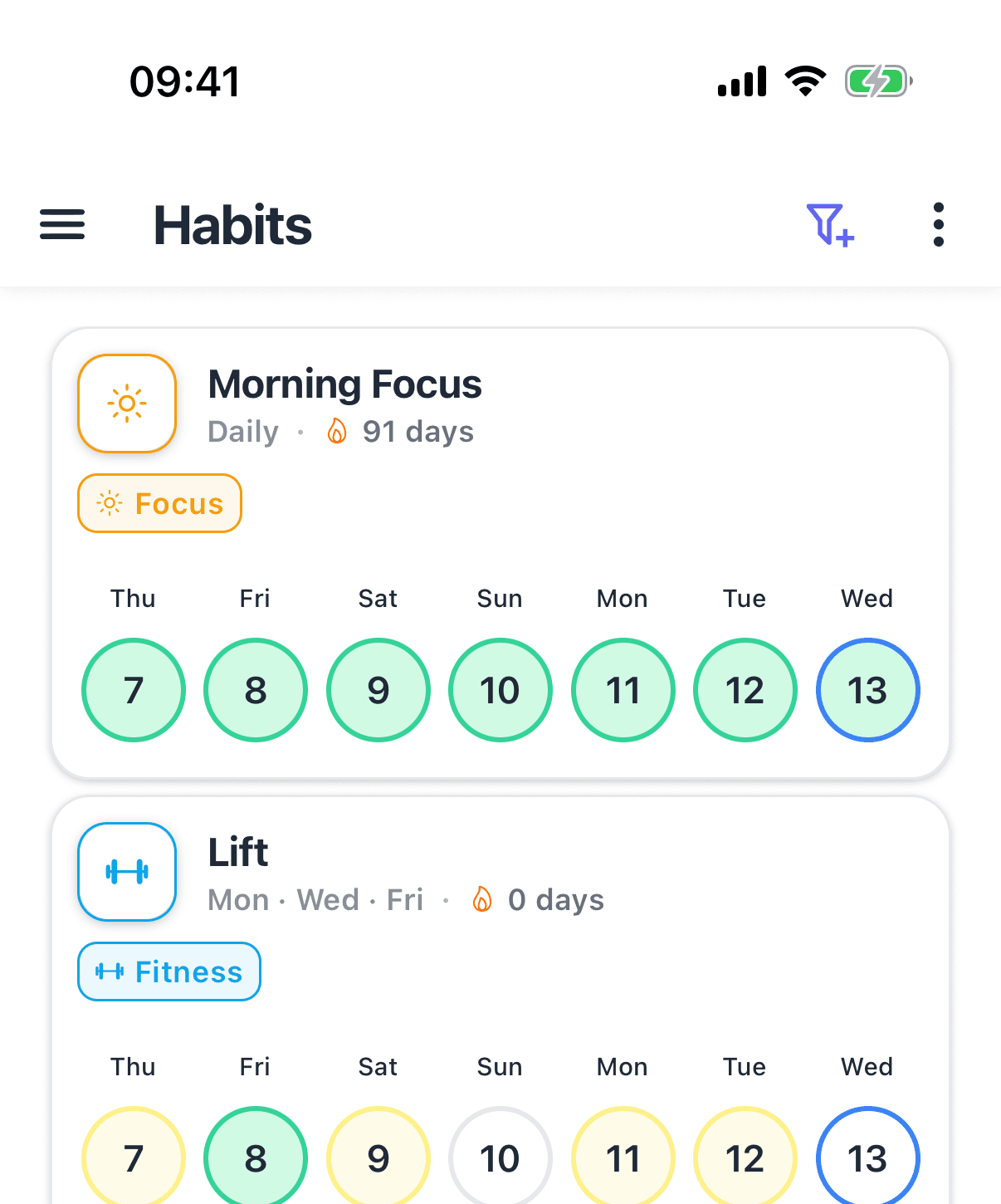
HabitGrip is for routines that do not fit a single daily checkbox. You can track a yes/no habit, a number such as water intake, time spent on focused work, or a multi-step checklist. Its scheduling can handle specific weekdays, every-N-day rhythms, ordinal dates, and goals such as three completions a week without preselecting the days.
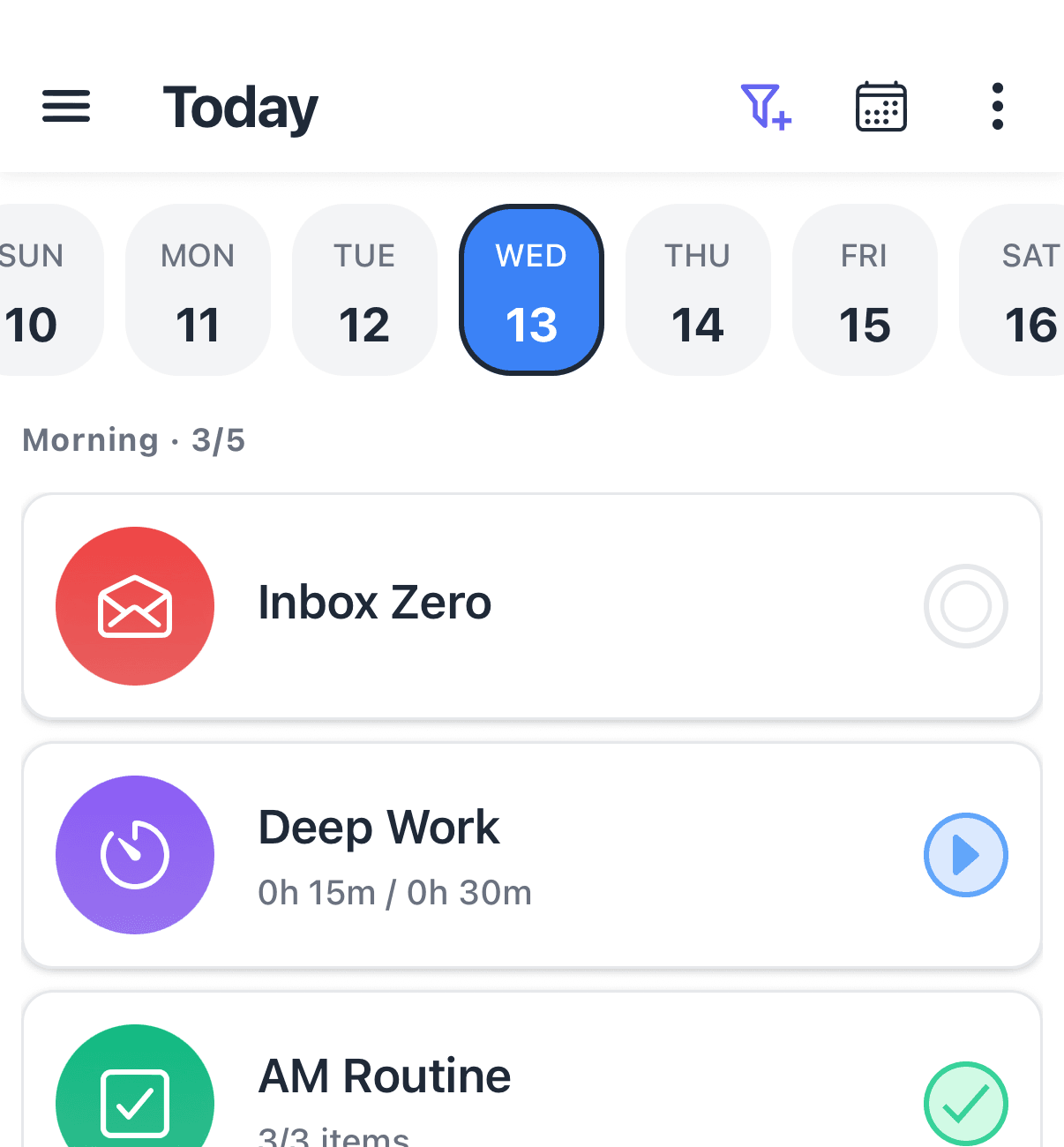
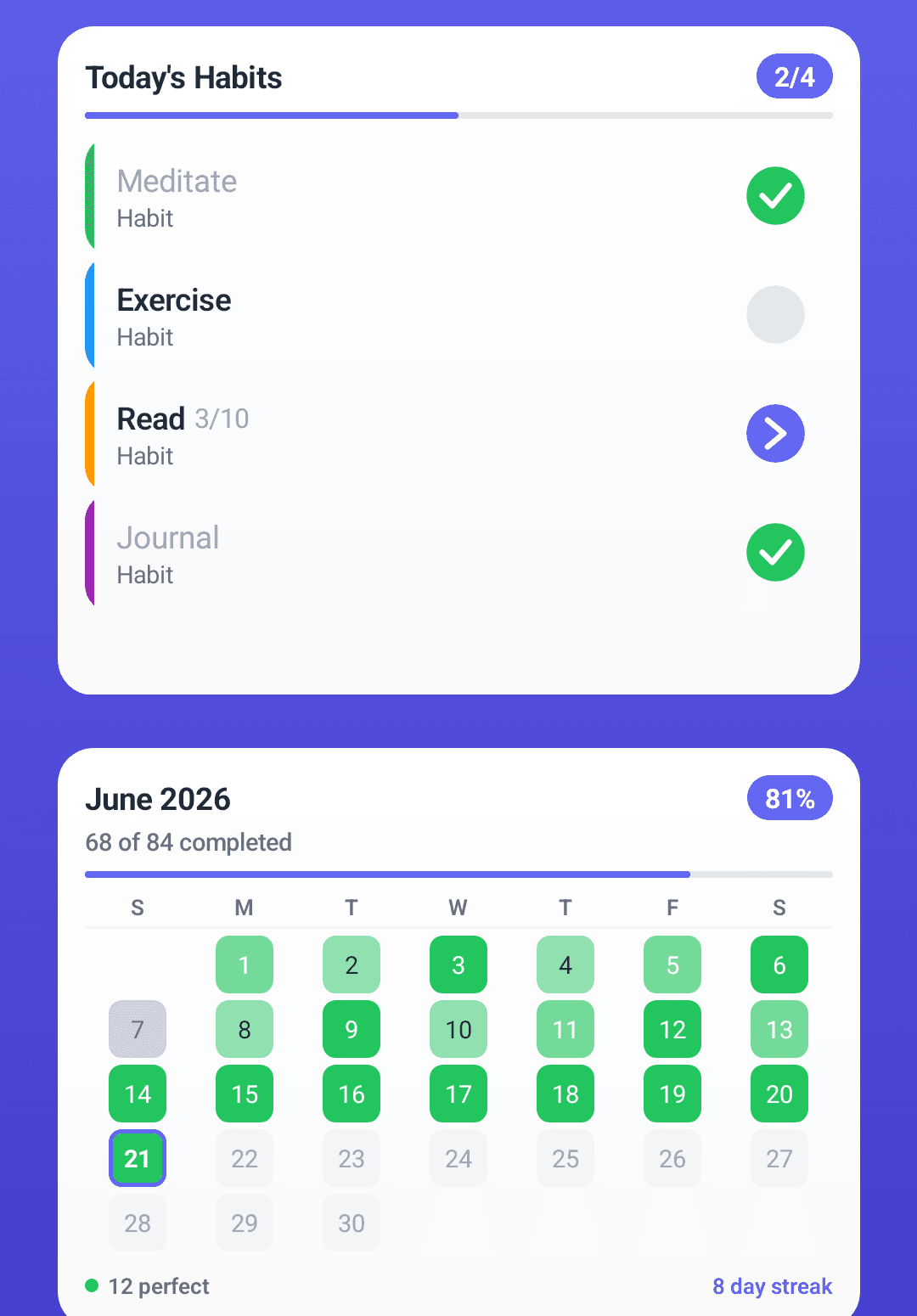
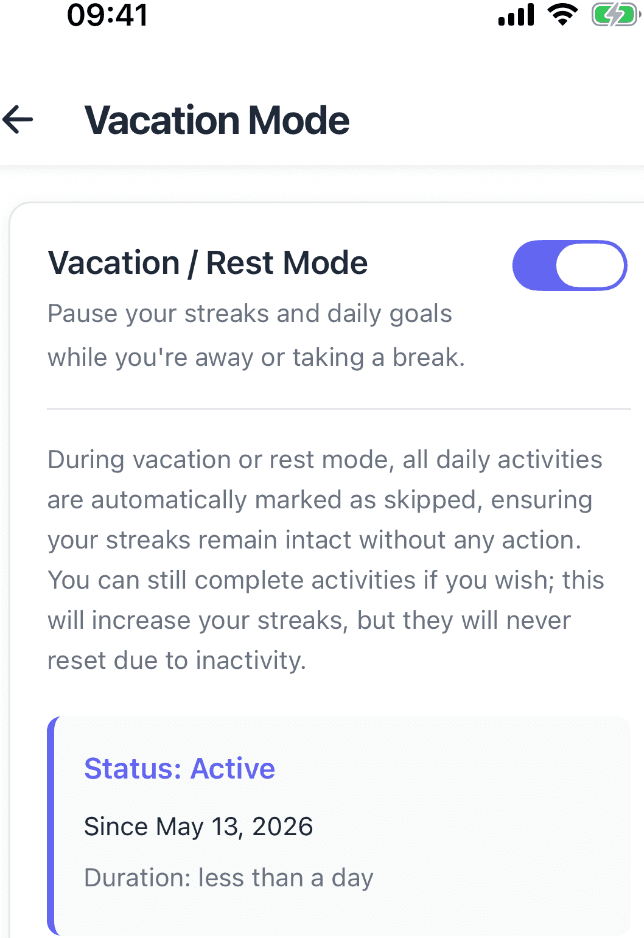
It also brings the surrounding work into the same place: one-off and recurring tasks can sit alongside habits; profiles separate personal, work, and fitness contexts; and tags and filters help reduce a busy Today view. Eight widgets offer different at-a-glance views, while vacation mode lets you pause habits without treating a planned break as failure.
Privacy does not have to mean choosing between local data and your other devices. HabitGrip is usable offline without an account. If you later want every device you own aligned — including an iPhone or iPad once iOS lands — sync is optional and encrypted in transit. That extra breadth will not be necessary for everyone, but it is useful when your system grows.
Switching from Loop to HabitGrip
You do not need to re-enter your history by hand. Export the CSV format from Loop; HabitGrip currently supports importing the Loop CSV export only, not the SQLite database export. HabitGrip previews an import before it creates anything. Importing does not remove or change the original data in Loop, so leave it there while you review the imported history and schedules. A separate copy of the CSV is optional; save one if you plan to uninstall Loop or delete its data.
You can keep using Loop while you verify HabitGrip. If everything looks right and you decide to stop using Loop, keep the CSV export first if you may want a separate record or a way back, then uninstall Loop or delete its data.
Frequently asked questions
Is Loop Habit Tracker private?
Loop says that its data is stored locally on your device, is not uploaded by the app, and is not shared with third parties. Its privacy policy also notes that Android's own Backup & Reset setting can back up app data to Google if you enable it.
Do HabitGrip and Loop work offline?
Yes. Loop says it works without an internet connection or online account. HabitGrip is local-first and works without an account too; its optional sync is for people who want their data on multiple devices.
Can I move my Loop Habit Tracker data to HabitGrip?
Yes. Loop can export spreadsheets in CSV format or a SQLite database file. HabitGrip currently supports importing the Loop CSV export only; its SQLite export cannot be imported directly. The original data in Loop is left untouched, so you do not need to remove it after importing. A separate copy of the CSV is optional, but keep one if you plan to uninstall Loop or delete its data.
Is HabitGrip overkill for simple habit tracking?
It can be. If all you want is a free, focused Android tracker for straightforward habits, Loop is a strong fit. HabitGrip is better when you expect to use tasks, several habit formats, flexible schedules, profiles, tags, vacation mode, widgets, or optional cross-device sync.
Sources
- Loop Habit Tracker on Google Play
- Loop Habit Tracker project documentation
- Loop Habit Tracker privacy policy
For a practical look at how HabitGrip maps to the 4 Laws of Behavior Change, see our guide on applying Atomic Habits to a habit tracker.
Build a habit system that fits real life
HabitGrip combines flexible habits, tasks, vacation mode, and optional sync while keeping offline tracking at the center.